 TimerShelf
Interval timer for iPhone, iPhone Duo, and iPad
Build your workout once. Run it every time.
TimerShelf turns intervals, sets, and rounds into reusable timers you keep on shelves — with clear countdowns, spoken cues, and controls right on your Lock Screen.
Free to start. TimerShelf Pro is a one-time purchase — no subscription.
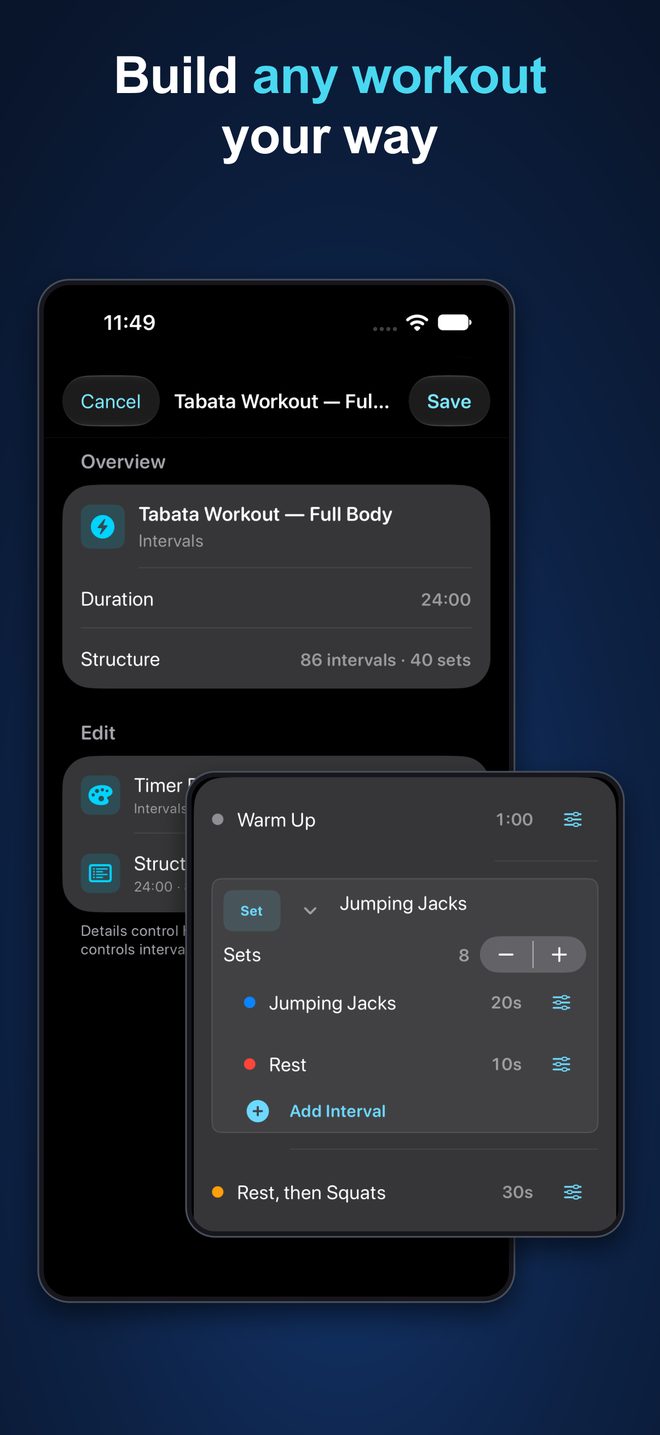
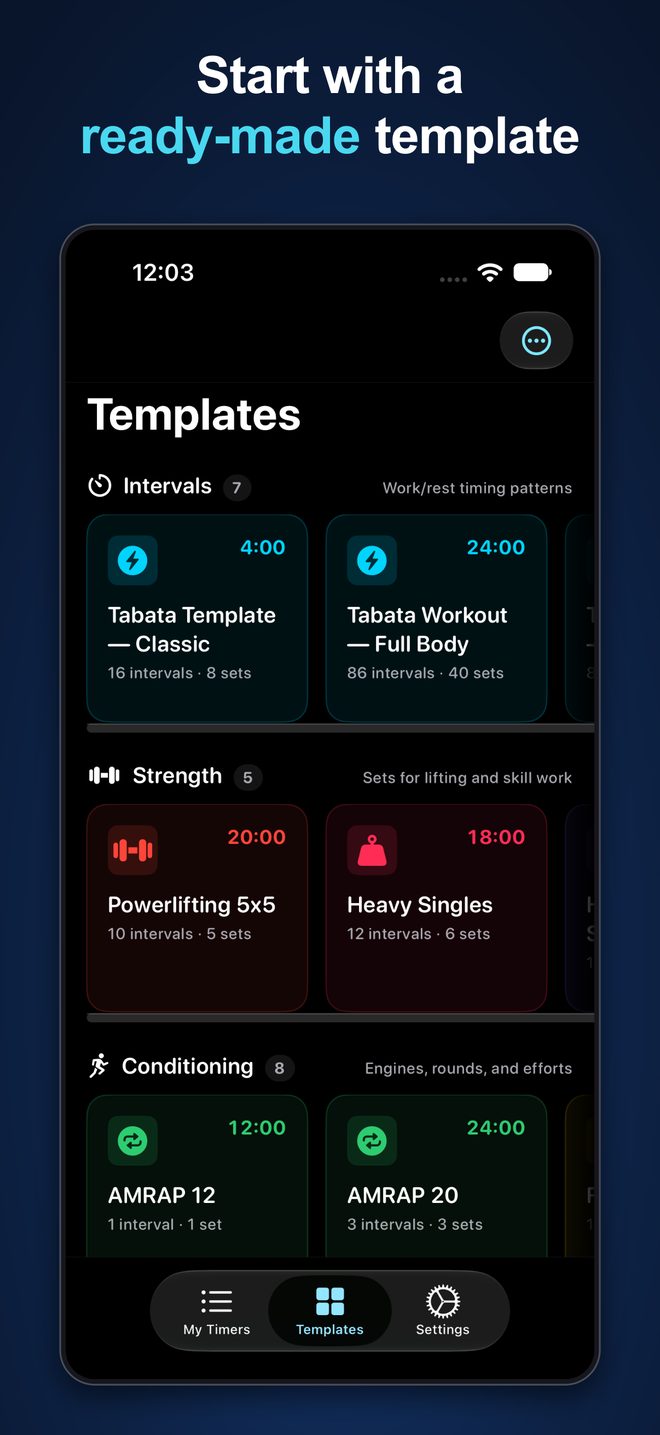
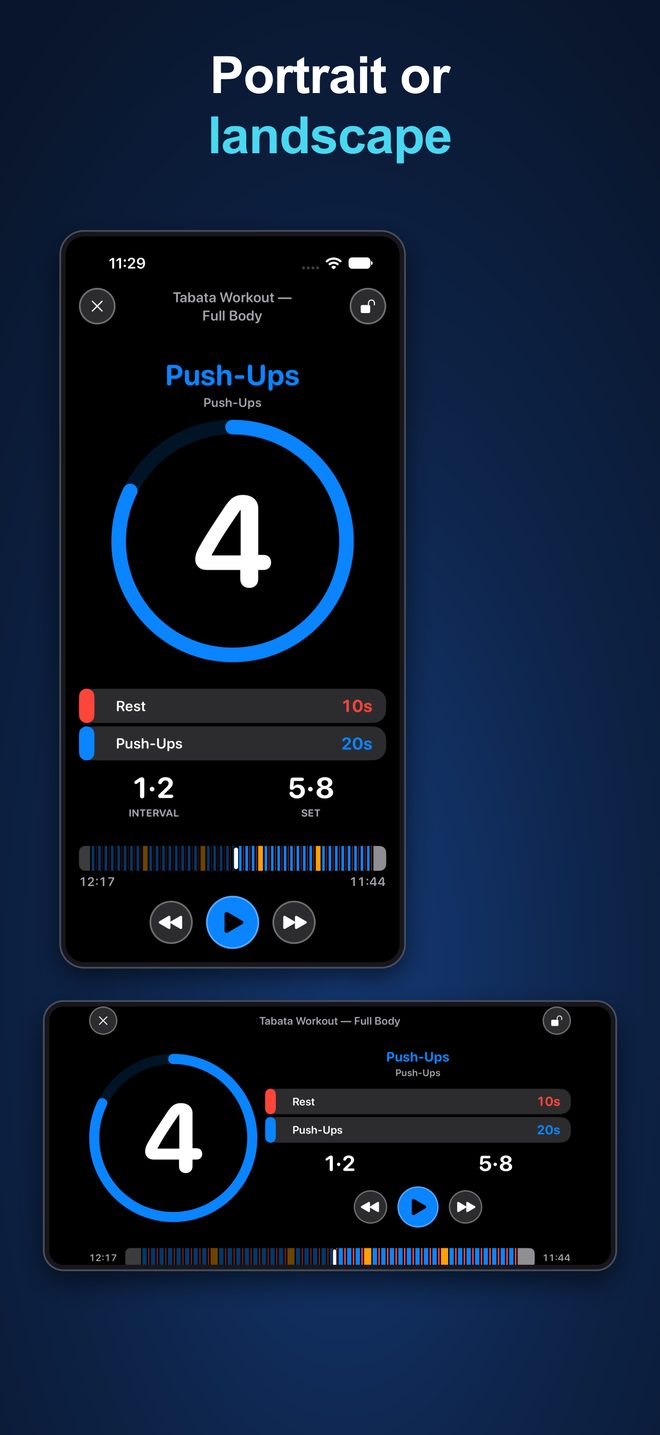
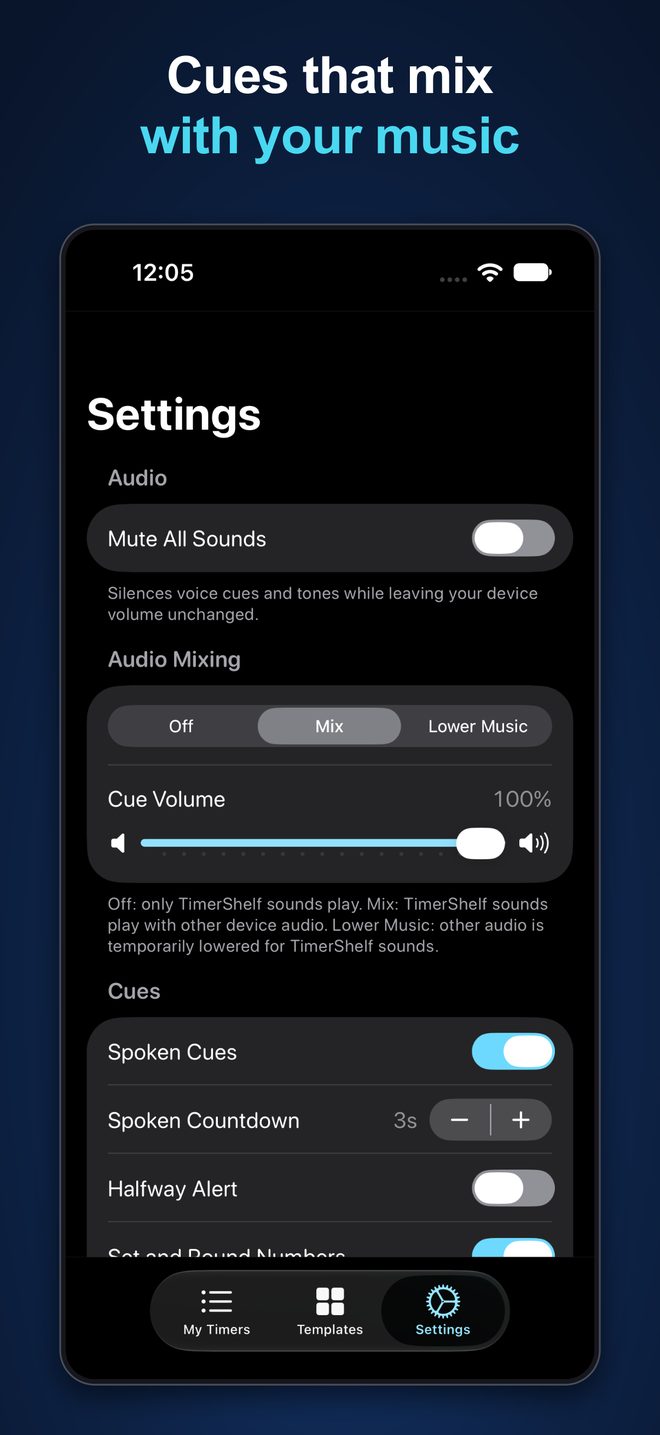
Made for HIIT, Tabata, circuits, boxing, strength sessions, mobility, and more. Start with a ready-made template or create your own sequence of work, rest, sets, and rounds.
New in 1.3
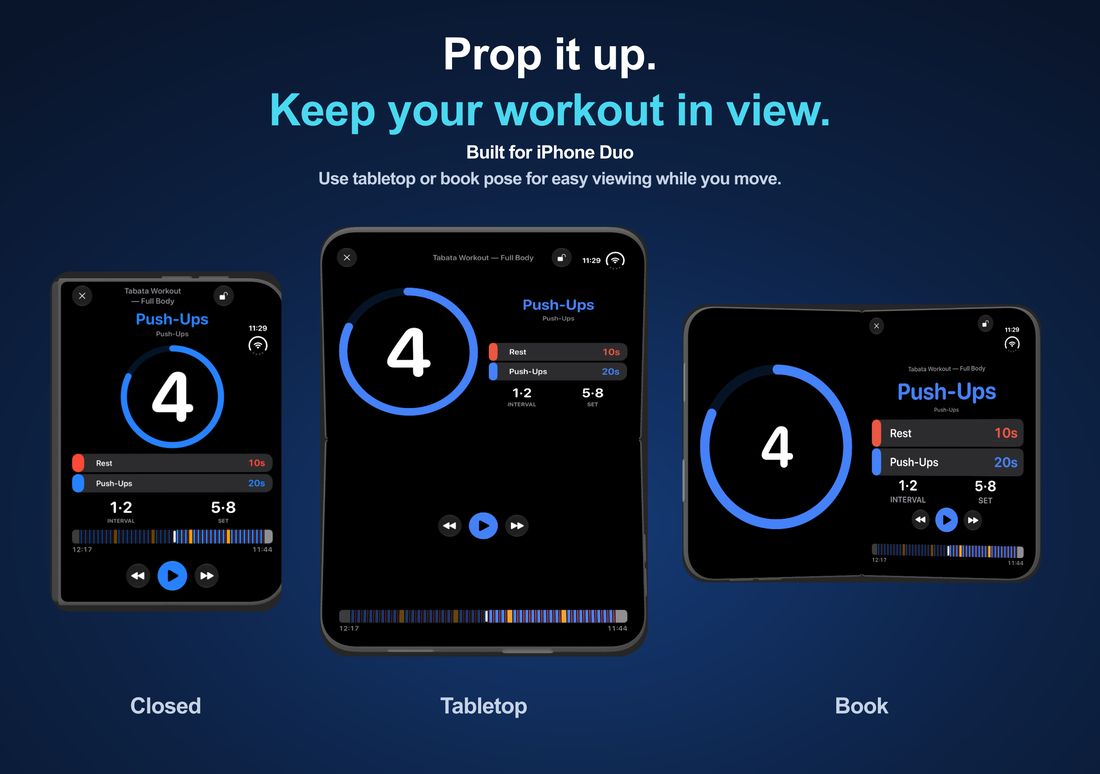
Built for iPhone Duo
Open your timer on the inner display, prop up your Duo in tabletop or book pose, or keep timing on the outer display when closed. The timer arranges its countdown, interval details, and controls for the space available — clear of the fold — so your workout stays easy to follow.
Keep your timer close
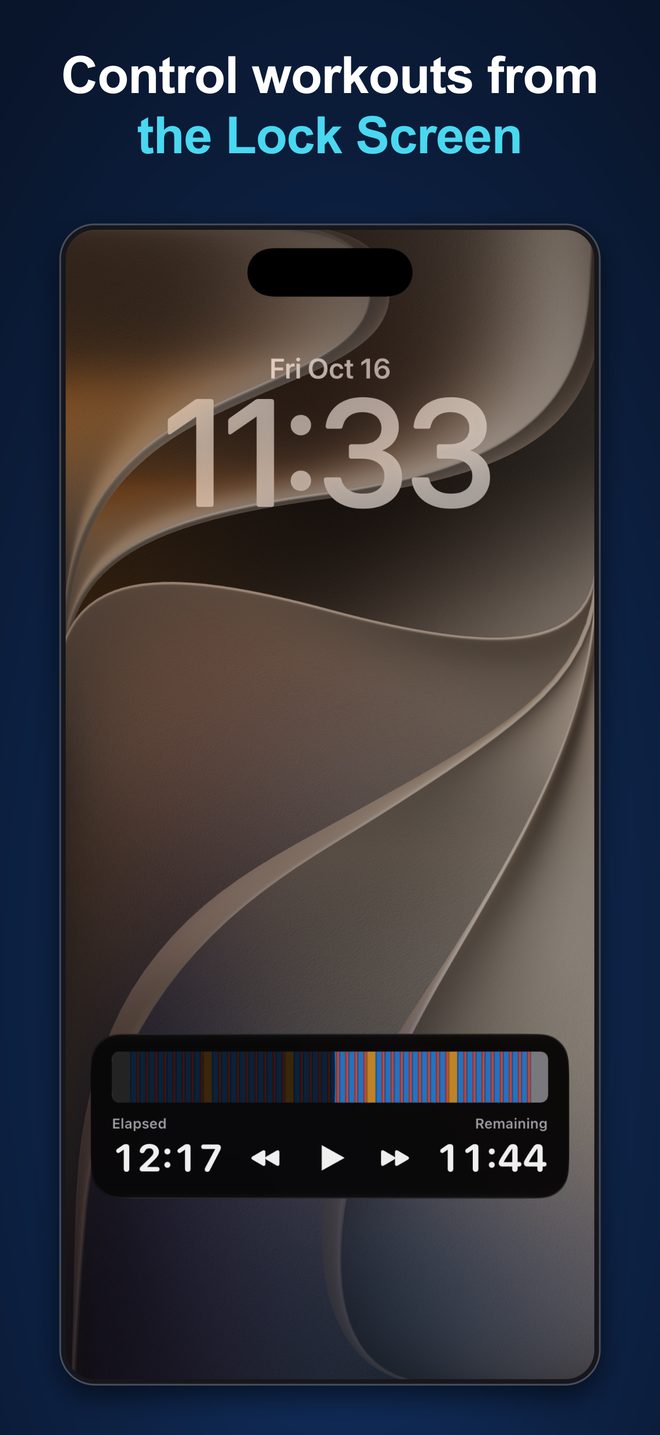
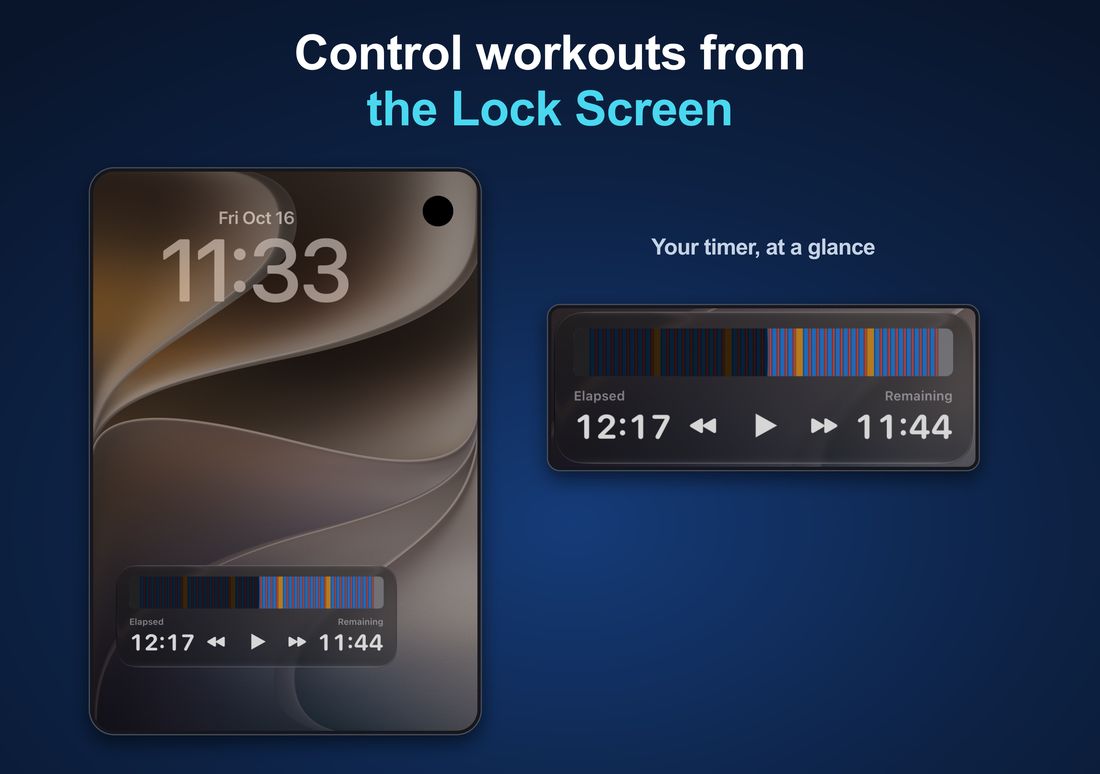
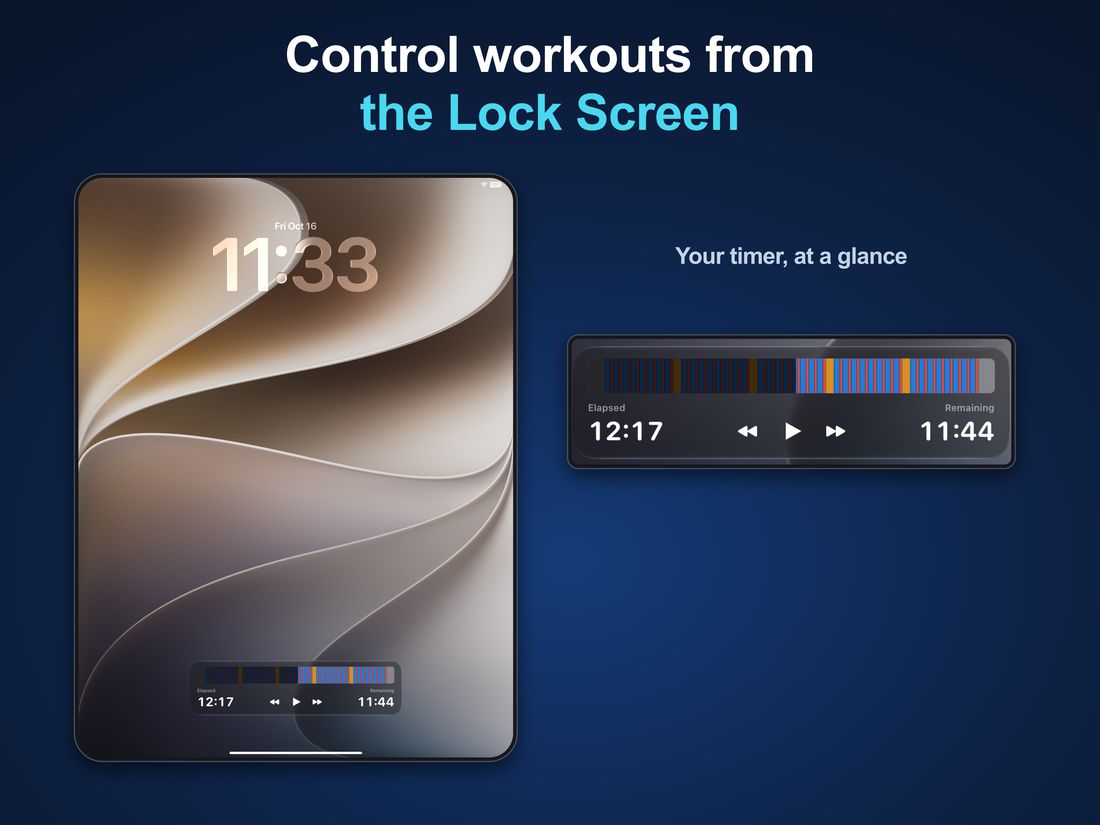
Follow timing and use playback controls from the Lock Screen with Live Activities. Cues keep playing when the screen is locked or you switch apps, and Home Screen widgets jump straight to saved timers.
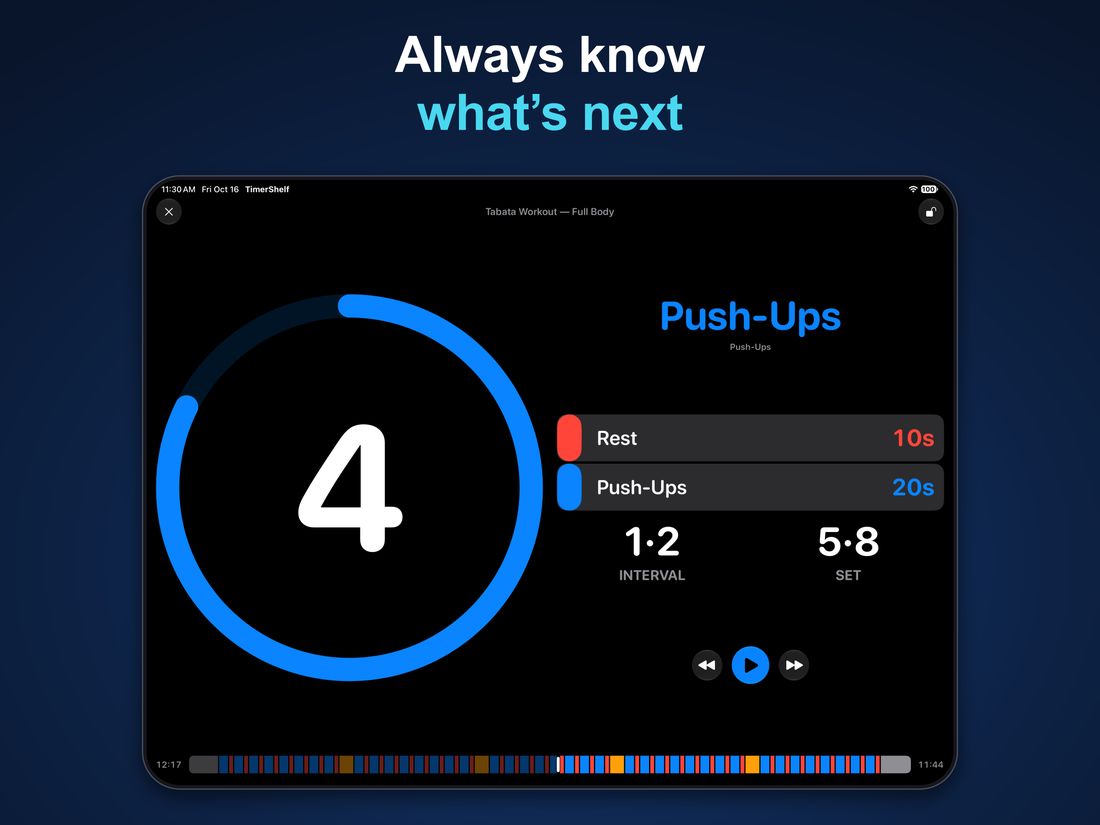
Clear at a glance
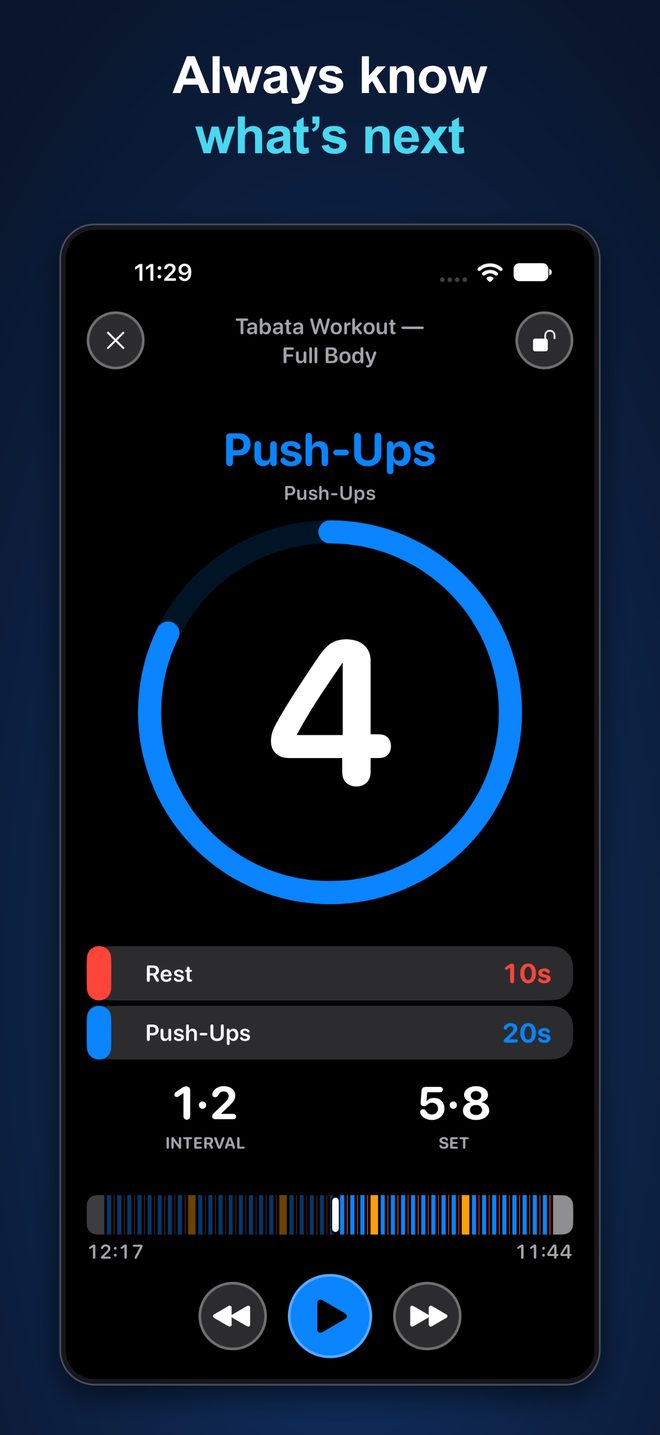
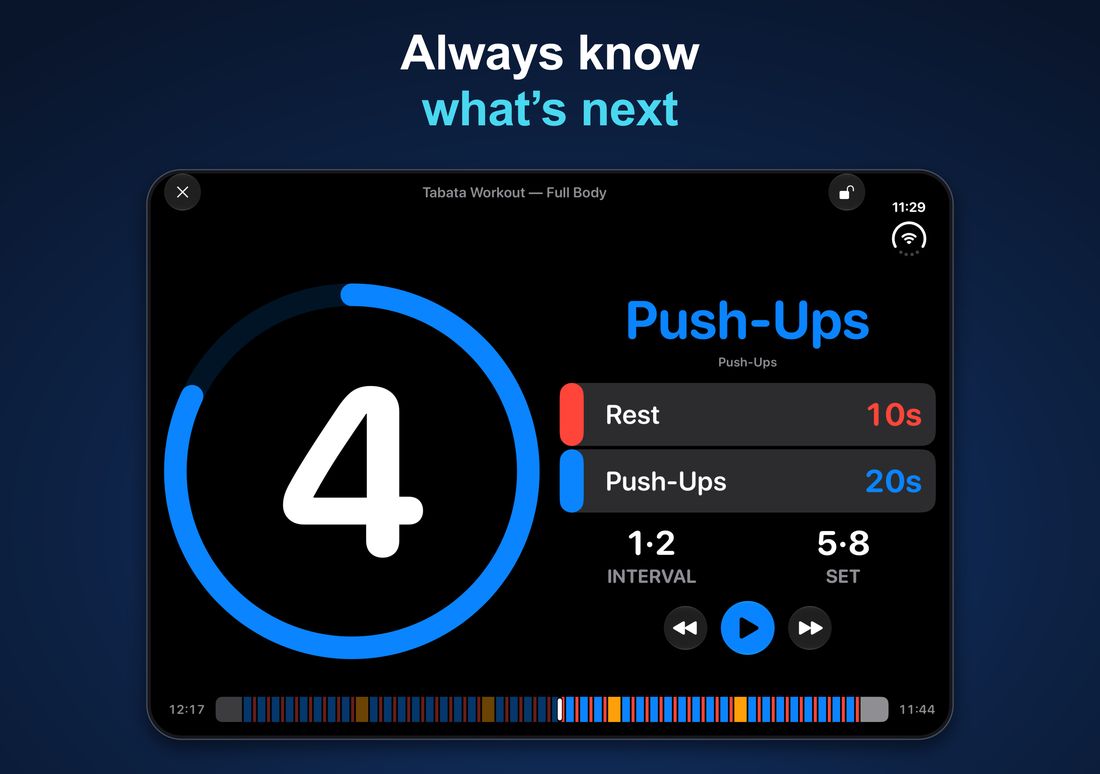
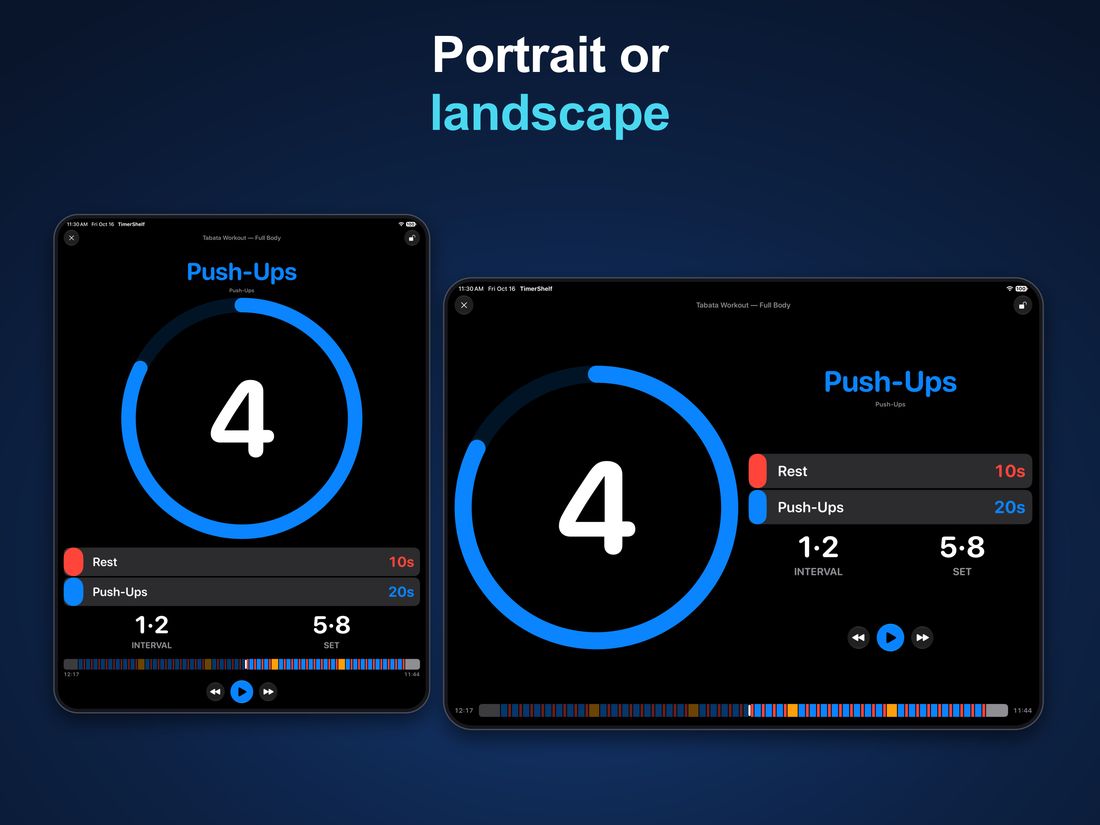
See the current interval, a large countdown, and your progress. Show one or two upcoming intervals so you always know what's next. Use portrait or landscape on iPhone and iPad, with layouts that adapt as you rotate or resize.
Your timers, on your shelves
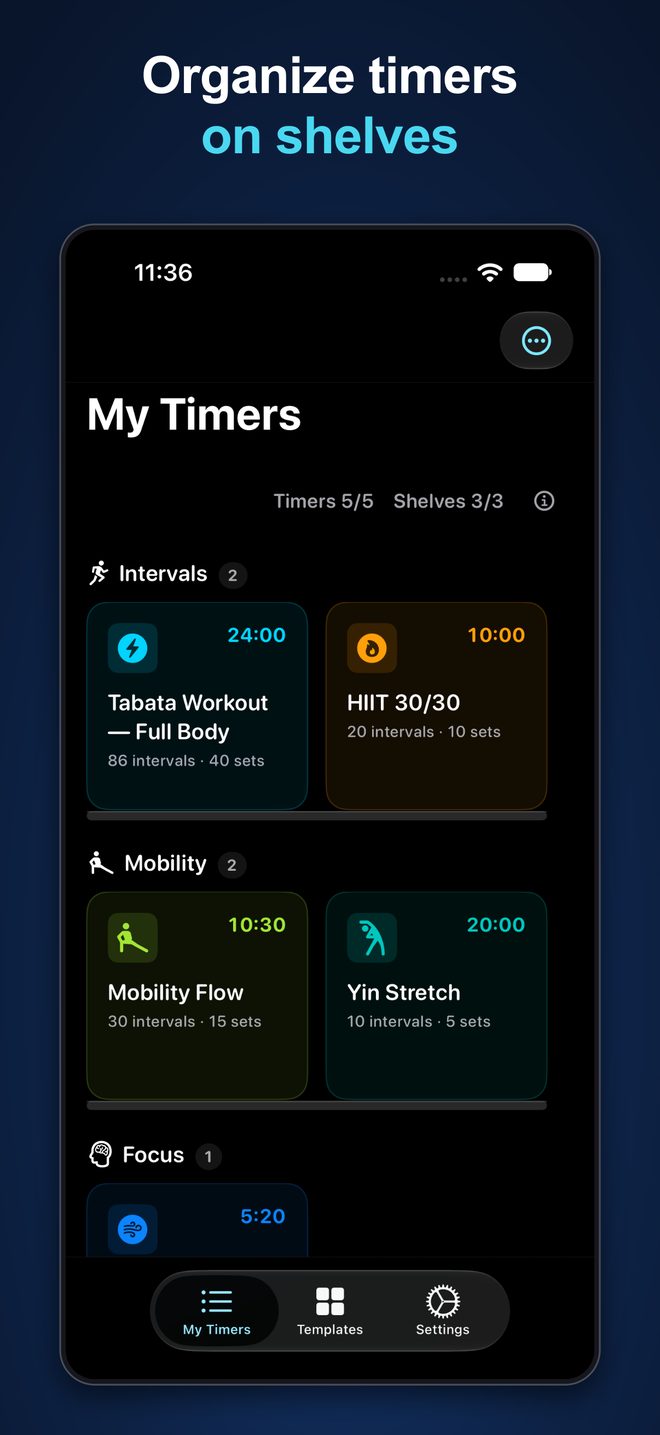
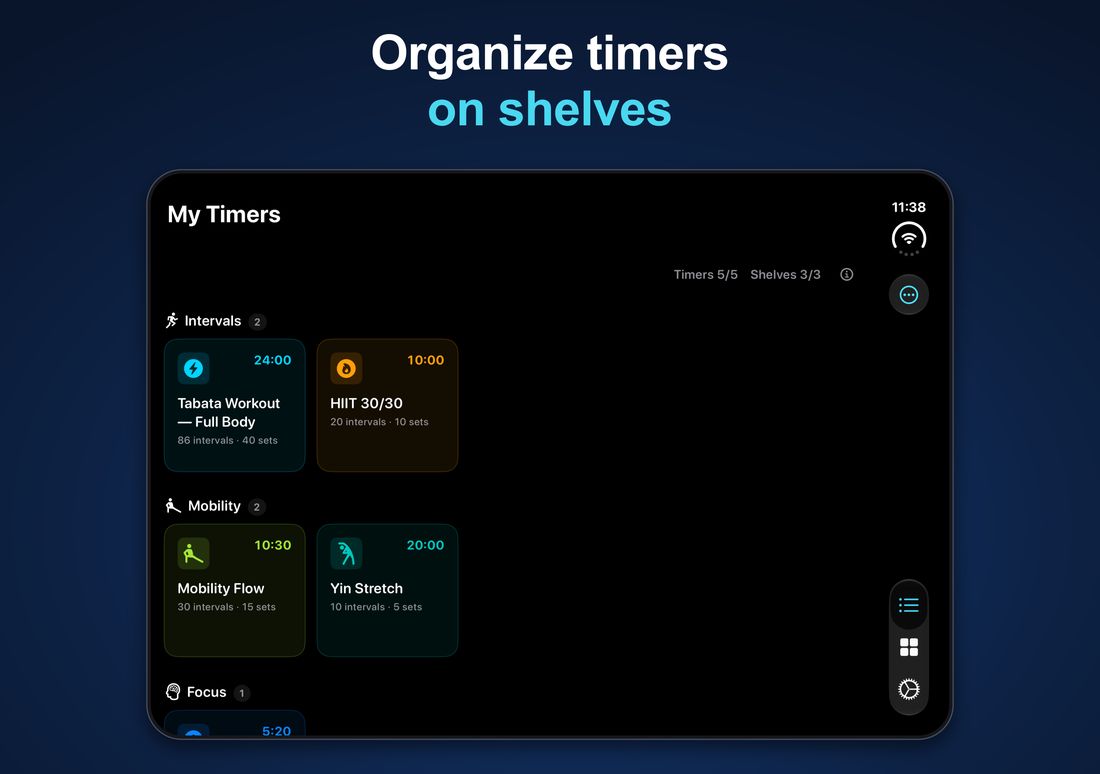
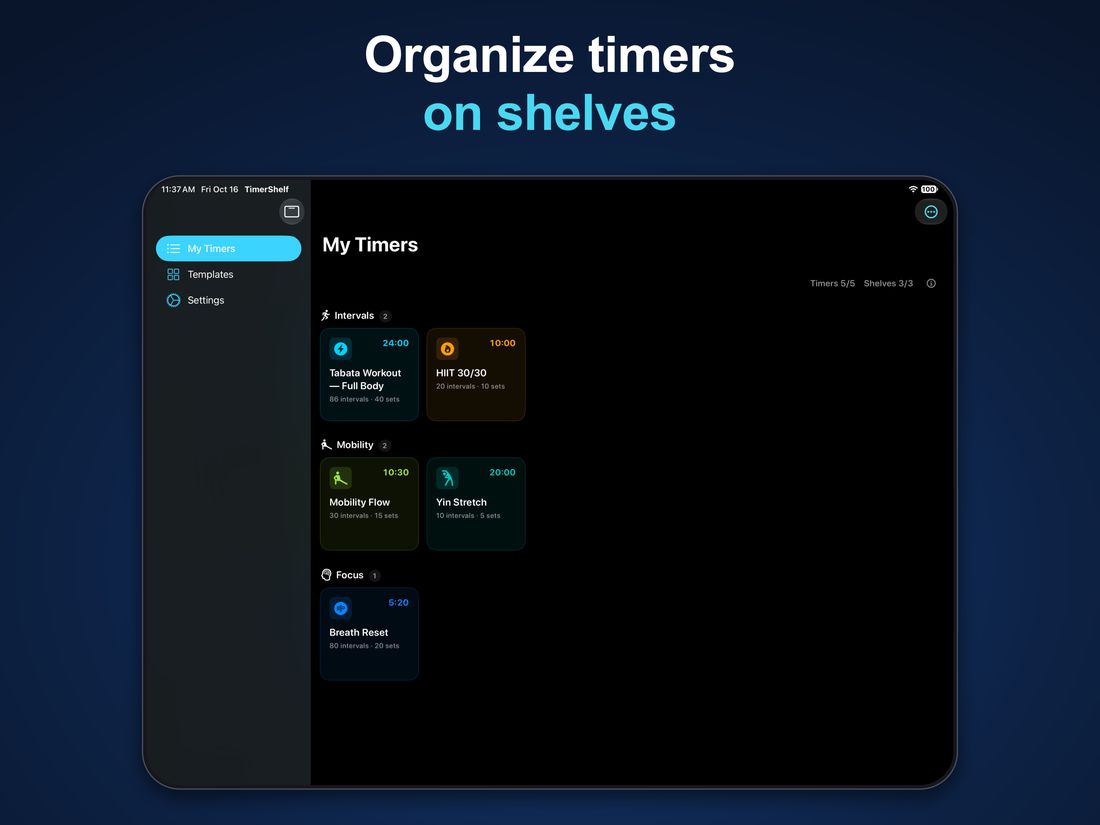
Group saved timers the way you train. Keep intervals, mobility sessions, and breathing routines on their own shelves, ready for next time.
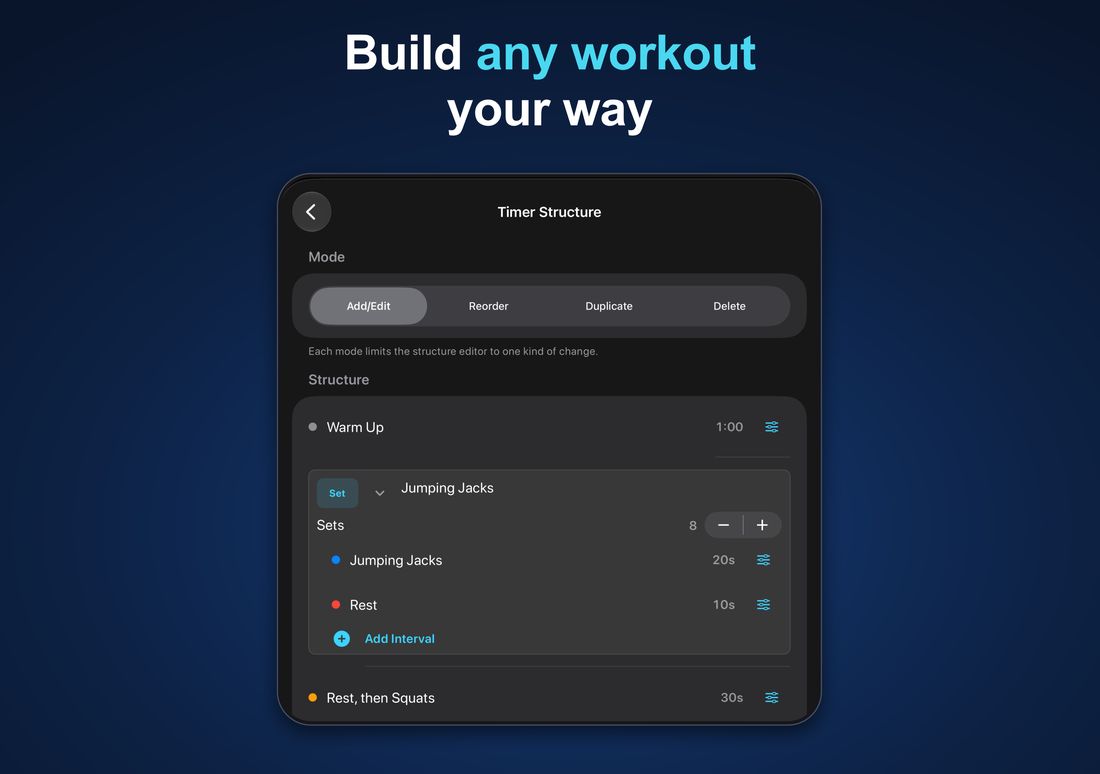
Build it your way
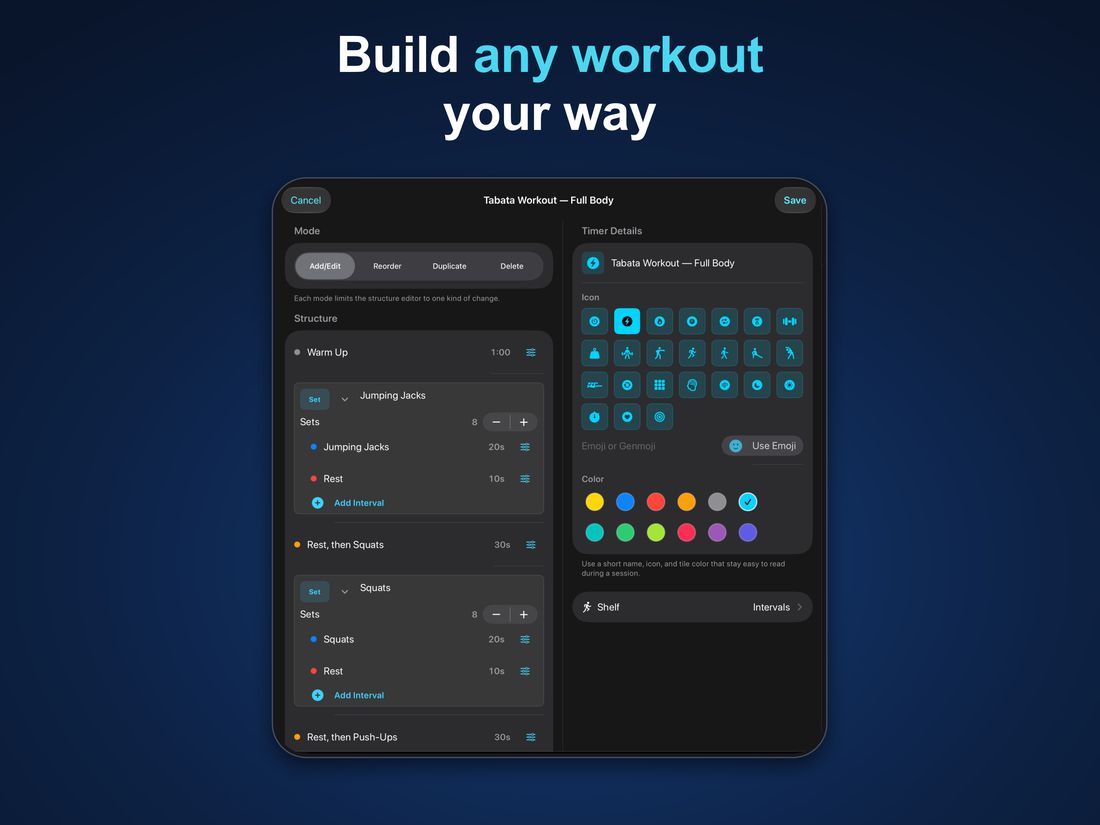
Name your intervals, choose durations and colors, and arrange them into sets and rounds. Add, edit, reorder, or duplicate as your workout changes.
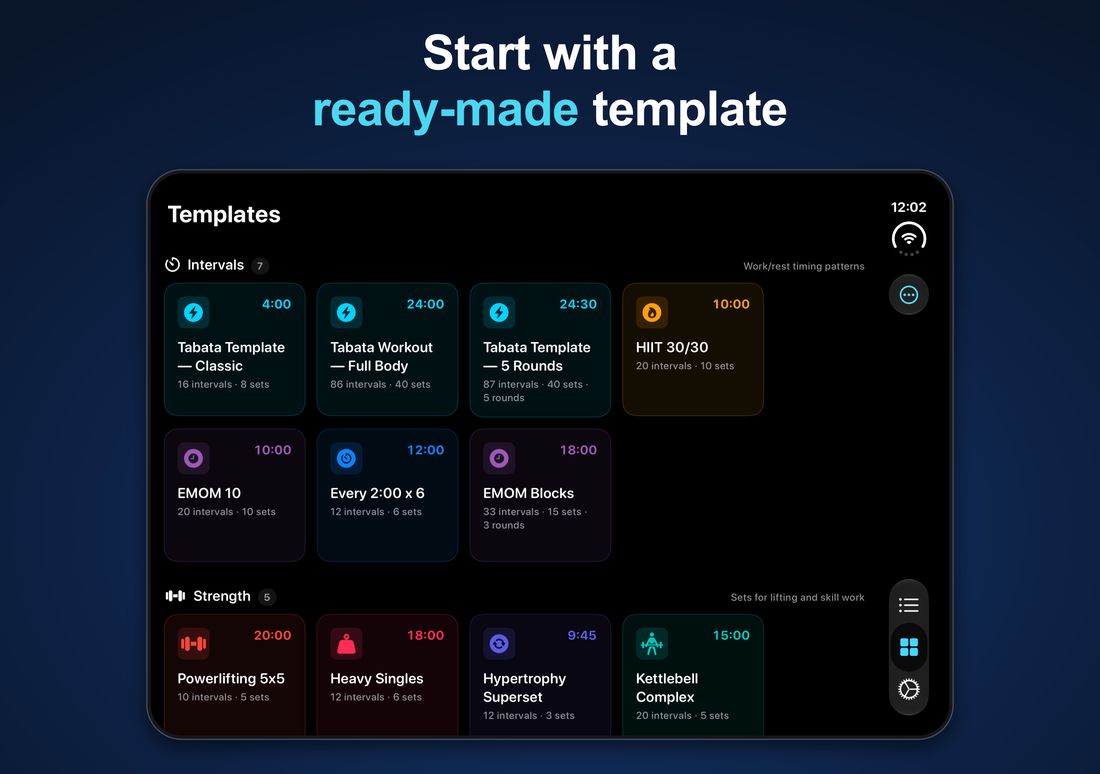
Start with a template
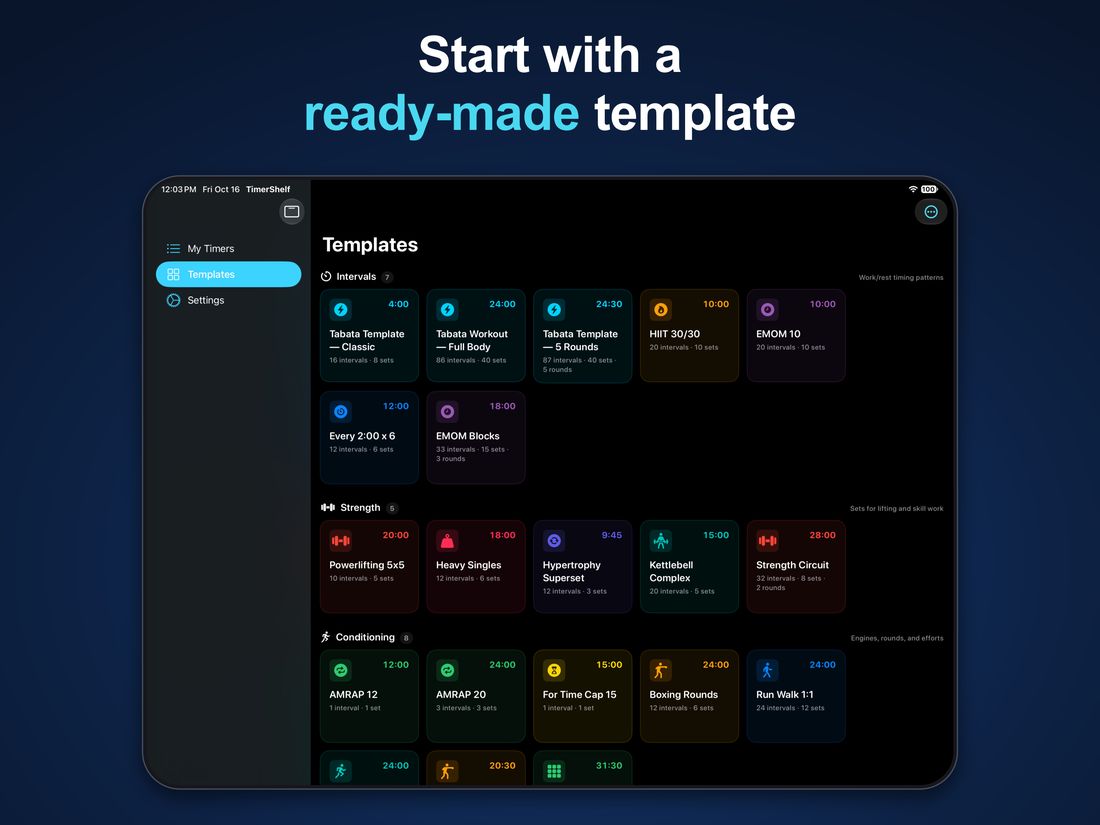
Browse ready-made timers for interval training, strength, conditioning, mobility, and focus. Copy one to My Timers and make it your own.
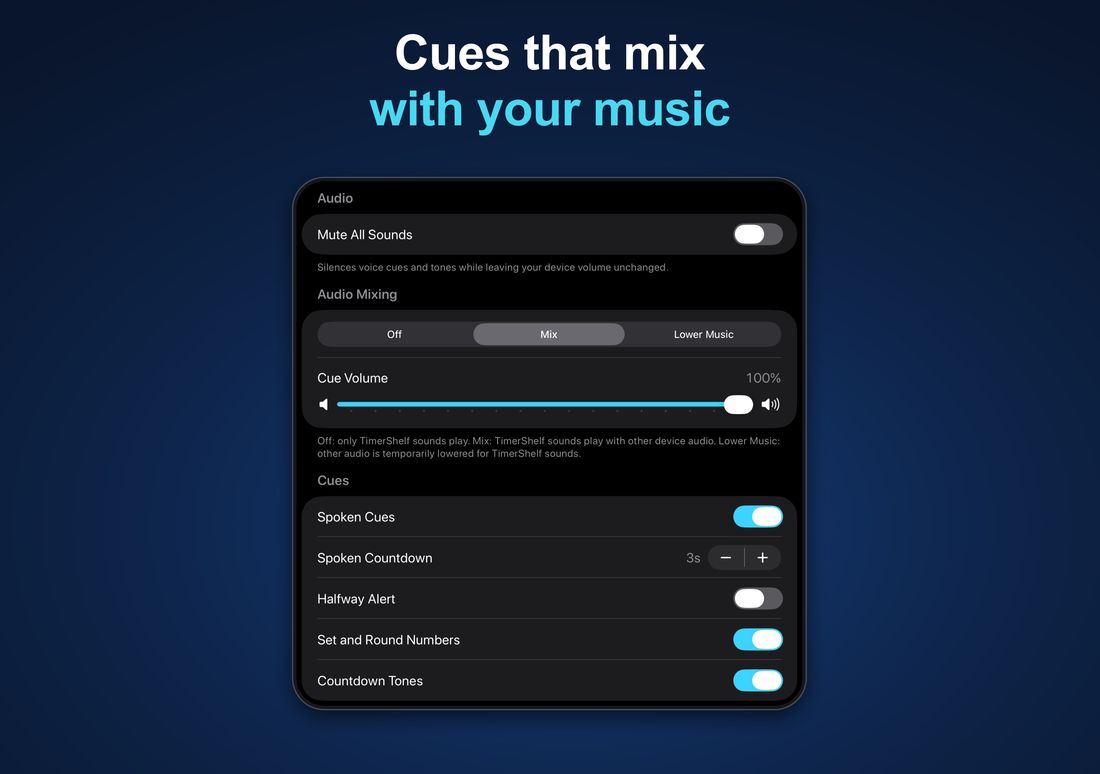
Follow the cues
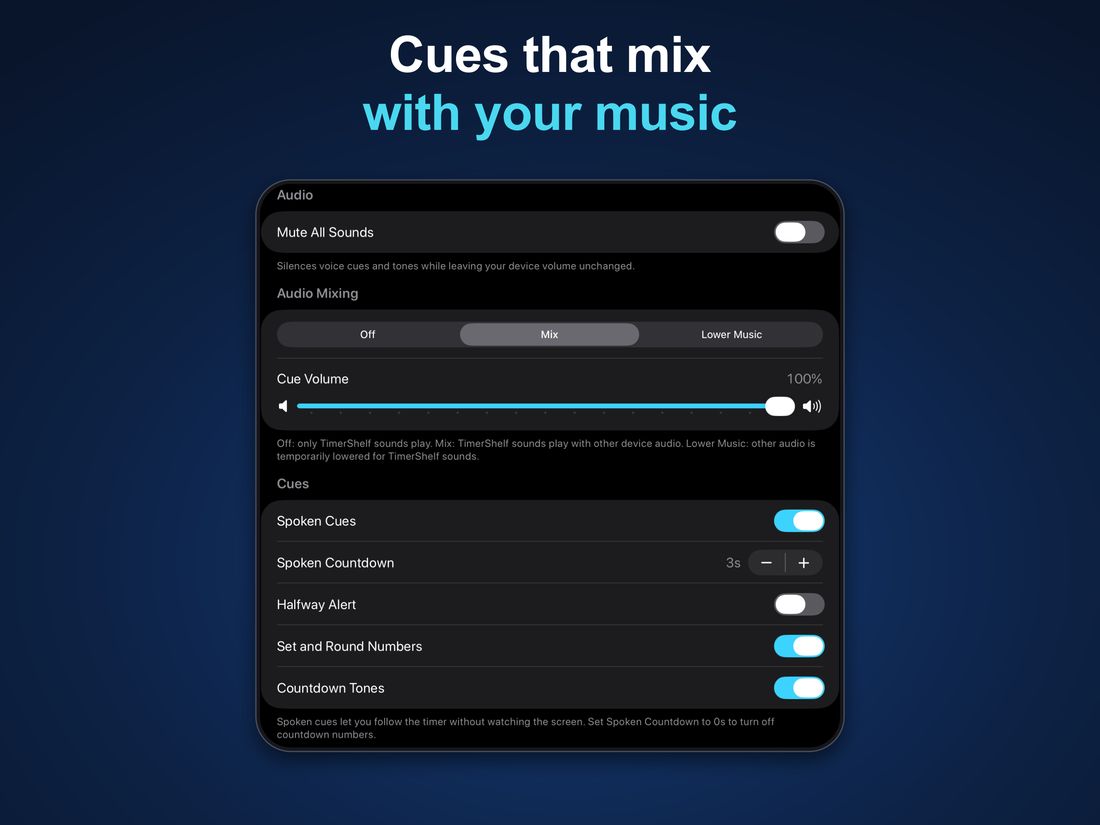
Hear spoken interval names, countdowns, and optional halfway alerts. Mix cues with your music or lower other audio while a cue plays.
Free to start. Pro if you need more.
Free
Up to 5 saved timers across 3 shelves.
TimerShelf Pro
Up to 250 timers and 50 shelves. One-time purchase, no subscription.
Private by design
No account, no ads, no analytics, no tracking. Your timers sync between your devices through your own iCloud account. Read the privacy policy.